Use your own AI credentials with Stelt
Bring your own credentials for the AI and premium-voice services Stelt supports today — an Anthropic key powers the assistant’s answers, and a Google key powers premium voice. Credentials are configured per business and used to run your assistant.
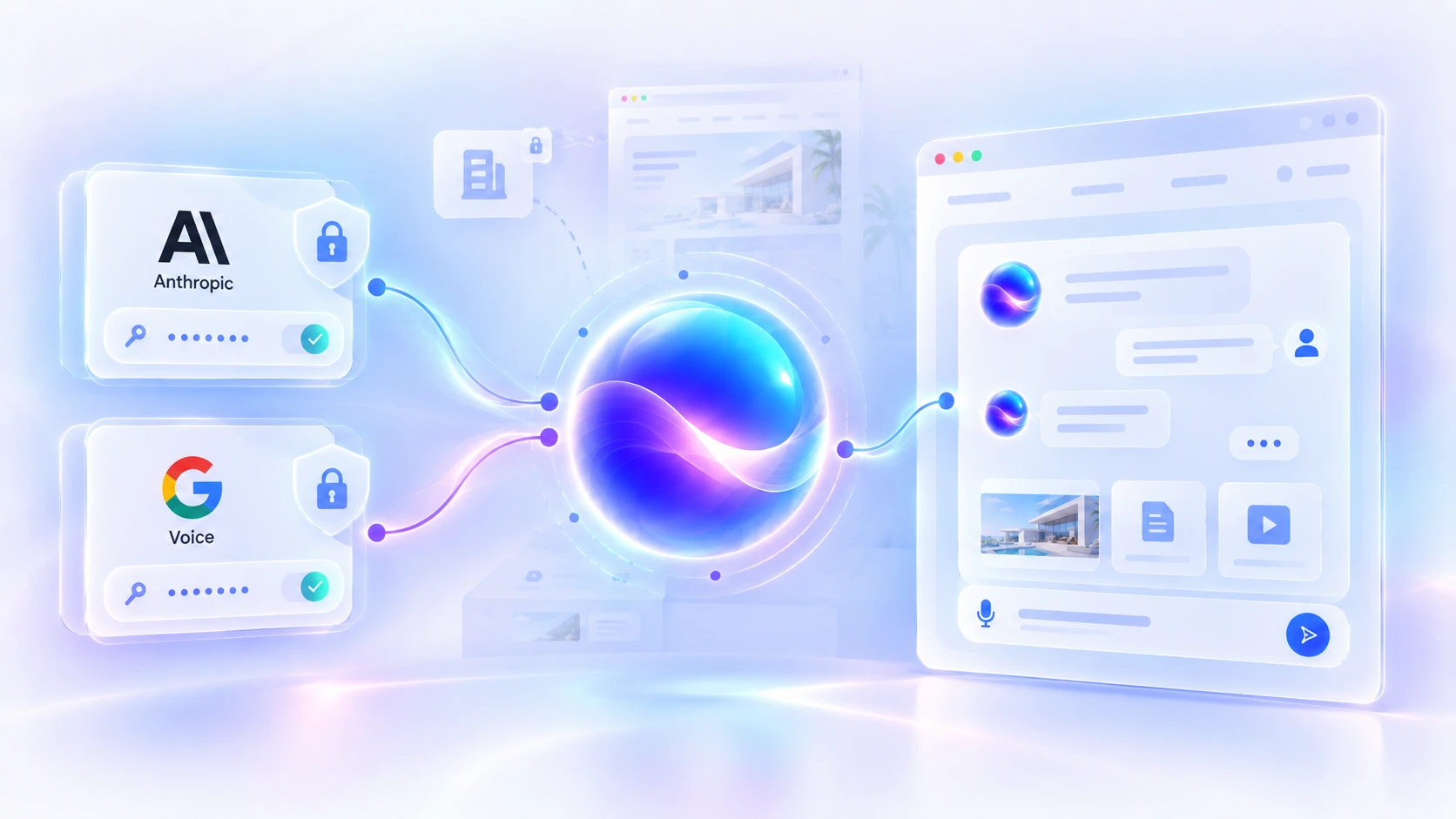
What Bring Your Own AI means here
“Bring Your Own AI” is the product name, but it’s worth being precise: today it means bringing your own credentials for the providers Stelt supports — not connecting any AI vendor or model you like. Here’s the actual mapping:
It does not currently mean connecting an arbitrary AI provider. You’re bringing credentials for the two services above, not picking a model from a marketplace. (The masked fields are illustrative — real keys are never shown here.)
One business, its own credentials
Credentials are set per business, not per account. A single Stelt account can own several businesses — a common setup for agencies — and each business has its own Anthropic and Google credentials, used only for that business’s requests.
Anthropic powers the intelligence
Stelt’s assistant runs on Anthropic Claude. Your business’s Anthropic credential is what Stelt uses to make those language requests, so the answers your visitors get are generated on your Anthropic account. (For the curious, the current model is Claude Sonnet; the point for most businesses is simply that it’s Anthropic, on your key.) This is what powers the website assistant and its answers.
Google powers premium voice
A Google credential unlocks Stelt’s premium Google Cloud voices — the natural-sounding text-to-speech Willow can speak with. It’s optional: without a Google key, Willow uses a free built-in browser voice instead, so voice still works. Google here is for voice only — not the language model. More on the voice side in Website Voice AI.
Credentials stay tied to the business
Credentials are handled conservatively:
You enter a credential
In the business’s settings in Stelt.
Stored encrypted
Encrypted at rest (AES-256-GCM), server-side.
Used for that business
Only to make that business’s provider requests.
Once saved, a key isn’t shown back to you in the browser — you replace it rather than view it. This is standard credential handling, not a compliance certification: we’re describing what the product does, not making security guarantees beyond it.
Why businesses may prefer this
Grounded reasons this model can suit a business:
Usage on your own account
Usage on your connected provider credentials is subject to that provider’s pricing and terms — separate from your Stelt subscription.
Separate per business
Run several businesses, each with its own provider credentials.
A clear relationship
A direct link between your business and the external AI/voice service it uses.
Stelt uses the provider credentials you connect for your business. Any usage charges associated with those credentials are determined by the provider and your account with them. Your Stelt subscription covers access to the Stelt platform and is separate from any charges your AI or voice provider may apply.
If a credential is missing or invalid
Straight about what each credential is needed for:
- Anthropic: required for the assistant to answer. A missing or invalid Anthropic key means it can’t generate responses, so adding a working key is part of getting a business live.
- Google: optional. Missing or invalid, and Willow simply falls back to the free browser voice — you just don’t get the premium Google voices until a valid key is in place.
What it supports today — and what the name doesn’t mean
To remove any doubt:
| What Stelt supports today | What the name doesn’t mean |
|---|---|
| Your own Anthropic credential for the assistant | Choosing any arbitrary LLM provider |
| Your own Google credential for premium voice | OpenAI / GPT as the assistant’s model |
| Per-business credential configuration | Google Gemini as the language model |
| Encrypted-at-rest storage, used server-side | A model selector or automatic provider switching |
Works across Stelt’s surfaces
The credentials you configure power the assistant wherever it appears — the same responses and voice whether visitors meet Willow through the website widget or the standalone assistant. It’s one assistant, running on your provider access.
Frequently asked questions
What does Bring Your Own AI mean in Stelt?
It means you connect your own credentials for the providers Stelt supports today, configured per business. Right now that’s an Anthropic key for the assistant’s answers and, optionally, a Google key for premium voice. It does not mean choosing any AI provider or model you like.
Which AI providers does Stelt support today?
Anthropic (Claude) for the assistant’s language responses, and Google Cloud for premium text-to-speech voice. Those are the supported providers at the moment.
Can I use OpenAI or GPT?
Not today. Stelt’s assistant runs on Anthropic Claude; there’s no OpenAI/GPT option in the customer-facing product.
Can I use Gemini as the language model?
No. Google is used for premium voice, not as the language model. The language model is Anthropic Claude.
Can I choose any LLM or model?
No — there’s no arbitrary model selector. The assistant uses Anthropic Claude; you bring the Anthropic credential, not a choice of provider.
What is my Anthropic key used for?
It’s used to make the assistant’s language requests to Anthropic Claude on behalf of that business — so the AI responses run on your Anthropic account.
What is my Google credential used for?
It enables Stelt’s premium Google Cloud voices. Without it, Willow uses a free built-in browser voice instead.
Are credentials configured per account or per business?
Per business. One Stelt account can own several businesses, and each business has its own provider credentials.
Are my provider credentials encrypted?
Yes — they’re stored encrypted at rest (AES-256-GCM) and are only used server-side to make that business’s provider requests.
Can Stelt show me my saved API key later?
No. Once a key is saved it isn’t shown back to you in the browser — you replace it with a new one rather than viewing the old value.
Can I change a provider credential?
Yes — you can update it by entering a new key in the business’s settings; leaving the field blank keeps the existing one.
What happens if my Anthropic key is missing or invalid?
The assistant needs a working Anthropic credential to generate answers, so a missing or invalid key means it can’t respond — adding a valid key is part of getting a business live.
What happens if my Google voice credential is missing or invalid?
Voice still works — Willow falls back to the free built-in browser voice. You just don’t get the premium Google voices until a valid Google key is in place.
Does Stelt still have a browser voice option?
Yes — there’s a free browser-speech voice that needs no Google key, so you can run without a Google credential and add one later for premium voices.
Does Bring Your Own AI change the widget or standalone assistant?
No — it’s the same assistant on every surface. The credentials power the responses and voice wherever the assistant appears.
Does Stelt include provider API usage in the subscription?
No. Your Stelt subscription covers the Stelt platform. When you connect your own supported provider credentials, any usage associated with those credentials is subject to that provider’s pricing and terms.
Run Stelt on your own AI credentials
Start a free trial — your providers, configured per business.
Start free trial